
Tools and Resources Checklist
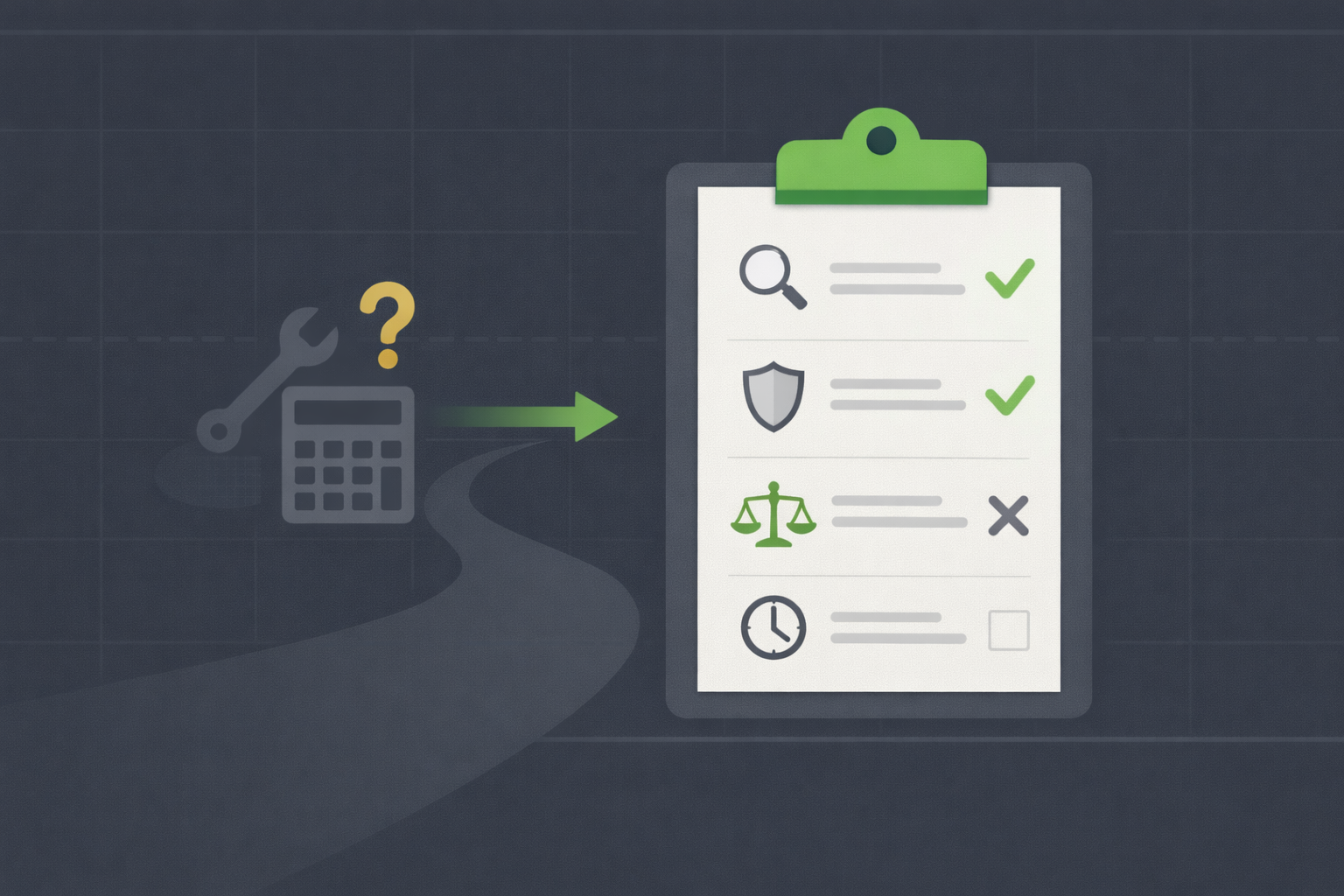
Tools should solve problems, not create them. Before adding any platform, screener, or subscription to your workflow, ask three questions: Does this help me make better decisions? Is it worth the cost (time and money)? Does it align with value investing principles? Most tools fail at least one of these tests. This checklist helps you evaluate tools objectively, so you build a lean, effective stack instead of a bloated mess.
TL;DR
- Problem first, tool second: Identify a specific gap in your workflow before searching for a tool to fill it
- Free trial everything: Never pay for a tool without testing it for at least 7-14 days
- Alignment check: Ensure the tool supports long-term, fundamental analysis, not short-term trading or market timing
- Cost vs. value: Calculate the real cost (subscription fees + learning time) and confirm it's worth it
- Simplicity wins: If a tool requires hours of setup or daily maintenance, it's probably not worth it for value investors
The Tool Evaluation Framework
Every tool should pass through a simple 5-step filter. If it fails any step, don't adopt it.
Step 1: What problem does this solve?
Before looking at any tool, write down the problem you're trying to solve. Be specific. Don't say "I want better research." Say "I need to screen 500 stocks for P/E below 15, debt-to-equity below 0.5, and positive free cash flow in under 10 minutes."
Good problems to solve:
- "I want to find undervalued dividend-paying stocks quickly"
- "I need to track 10 option positions across three expirations without missing rollovers"
- "I want to calculate intrinsic value using three models without building spreadsheets from scratch"
- "I need alerts when my watchlist stocks hit entry prices"
Bad reasons to adopt a tool:
- "Everyone on Twitter uses it"
- "It looks cool and has lots of features"
- "I might need it someday"
- "It's free, so why not?"
If you can't articulate a specific problem in one sentence, don't move forward. The tool will become clutter.
Step 2: Can I solve this without a new tool?
Tools are seductive because they promise shortcuts. But often, you already have what you need.
Before adopting a new screener, check your broker's built-in screener. Before paying for a portfolio tracker, try a Google Sheets template. Before subscribing to premium financial data, confirm Yahoo Finance or your broker doesn't already provide it for free.
Ask yourself:
- "Does my broker offer this feature?"
- "Can I do this manually in 10-15 minutes per week?"
- "Is there a free alternative that's 80% as good?"
If yes to any of these, start there. Only upgrade if you consistently hit limits or the manual process becomes a real burden (not just mildly inconvenient).
Step 3: Does this align with value investing principles?
Many tools are built for day traders, momentum investors, or active traders. They emphasize real-time data, technical indicators, price alerts every 5 minutes, and "hot stock picks." These features are distractions for value investors.
Value investor priorities:
- Fundamental data (earnings, cash flow, debt, moats)
- Long-term valuation models (DCF, earnings yield, payback time)
- Patience and discipline (alerts for big moves, not every tick)
- Business quality over price momentum
Red flags:
- The tool's homepage emphasizes "beat the market" or "10x your portfolio"
- It highlights daily or intraday trading features
- The marketing focuses on speed ("real-time quotes!") instead of depth
- It promotes "AI stock picks" or "exclusive signals"
If the tool's design or marketing conflicts with value investing, skip it. You'll be tempted to use features that undermine your strategy.
Step 4: What's the real cost?
Tools have two costs: money and time.
Money cost:
- Subscription fees (monthly or annual)
- Add-ons or premium tiers you'll eventually want
- Switching costs if you later migrate to a different tool
Time cost:
- Learning curve (setup, tutorials, experimentation)
- Daily or weekly maintenance (logging in, syncing data, updating settings)
- Opportunity cost (time spent on the tool instead of analyzing businesses)
Calculate the total cost over 12 months. If a tool costs $20/month ($240/year) and takes 5 hours to learn plus 30 minutes per week to maintain (31 hours/year), ask: Is this worth $240 and 31 hours? What would I gain by using it? What would I lose if I didn't?
Many tools fail this test. The free alternative is 90% as good, and the paid version adds features you'll never use.
Step 5: Can I test it first?
Never commit to a paid tool without a trial period. Most platforms offer 7-30 day free trials. If they don't, that's a red flag.
During the trial:
- Use the tool daily or weekly (match your actual workflow, don't just explore)
- Test the features you plan to rely on (screener, alerts, valuation models)
- Track whether it saves time or provides insights you couldn't get elsewhere
- Note any frustrations (bugs, confusing interface, missing features)
After 7-14 days, decide: Does this tool make my investing better? If the answer isn't a clear yes, cancel and move on.
Checklist: Before Adopting Any Tool
Print or save this checklist. Use it every time you're tempted to add a new tool.
General Questions
- Can I describe the specific problem this tool solves in one sentence?
- Have I checked if my broker, spreadsheet, or free alternative already solves this problem?
- Does this tool align with value investing principles (fundamentals, patience, long-term focus)?
- Is the cost (money + time) justified by the value it provides?
- Have I tested this tool for at least 7-14 days before committing?
For Screeners
- Can I filter by fundamental metrics (P/E, debt-to-equity, free cash flow, earnings growth)?
- Does it return too many results (overwhelming) or too few (limited universe)?
- Is the data reliable and up-to-date?
- Can I save custom screens and run them regularly without rebuilding filters?
- Does it distract me with technical indicators or momentum signals I don't need?
For Valuation Tools
- Does it support the valuation models I use (DCF, earnings yield, cap rate, payback time)?
- Can I adjust assumptions (growth rates, discount rates, margin of safety)?
- Is it faster or more accurate than my current method (spreadsheet, manual calculation)?
- Does it explain the logic behind its calculations, or is it a black box?
- Is the output clear and actionable (fair value estimate, margin of safety percentage)?
For Portfolio Trackers
- Does it show total portfolio value, cost basis, and unrealized gains/losses?
- Can I track option positions (strikes, expirations, premiums collected)?
- Does it calculate performance metrics (annualized returns, compared to benchmarks)?
- Is it easy to update (automatic syncing or simple manual entry)?
- Does it respect my privacy (who has access to my portfolio data)?
For Charting Tools
- Can I view price, volume, and basic moving averages (50-day, 200-day)?
- Is the interface clean and simple, or cluttered with indicators I don't need?
- Does it support long-term views (1-year, 5-year charts) for context?
- Can I overlay support/resistance levels or trendlines if needed?
- Am I using this to confirm fundamental analysis, or am I tempted to trade based on patterns?
For Options Platforms
- Can I view option chains with bid/ask, open interest, and implied volatility?
- Does it support strategy visualization (covered calls, cash-secured puts, LEAPs)?
- Can I track Greeks (delta, theta, vega) for positions I hold?
- Are there alerts for approaching expirations or assignment risk?
- Is the learning curve manageable, or will I spend weeks figuring out basic tasks?
For Educational Resources
- Is the content focused on principles (valuation, business analysis, psychology) instead of predictions?
- Does the source have a track record or credibility (books by proven investors, reputable platforms)?
- Is the content free or reasonably priced (under $50 for books/courses)?
- Can I apply what I learn immediately (calculate intrinsic value, screen stocks, journal trades)?
- Does this resource challenge my thinking, or does it just confirm what I already believe?
For Alerts and Automation
- Are the alerts tied to meaningful events (price targets, earnings, volatility spikes)?
- Can I customize alert thresholds to match my strategy (margin of safety levels, IV percentiles)?
- Will these alerts reduce stress (inform without overwhelming), or will they create anxiety?
- Does the platform support the alert types I need (price, volume, earnings, options expiration)?
- Have I tested alert frequency for 1-2 weeks to ensure it's not too noisy or too quiet?
Red Flags: Tools to Avoid
Some tools are actively harmful to value investors. Watch for these warning signs:
1. "Beat the Market" Promises
If a tool promises "10x returns," "guaranteed winners," or "secret strategies," run. Value investing is about reducing risk and compounding patiently, not chasing miracles.
2. Aggressive Upsells
Free tier is crippled, premium tier is $50/month, and "elite" tier is $200/month with the "real features." This pricing structure prioritizes revenue extraction, not user value.
3. Black Box Algorithms
"Our AI picks stocks for you." "Proprietary scoring system." If the tool won't explain how it works, you can't trust it. Value investing requires understanding the logic behind every decision.
4. Overemphasis on Speed
"Real-time quotes!" "Millisecond execution!" Value investors hold stocks for years. Real-time data is irrelevant. If speed is the main selling point, the tool is built for traders, not investors.
5. Community Hype
"50,000 traders use this!" "Voted #1 by day traders!" Popularity doesn't mean quality, especially if the crowd isn't value investors.
6. No Free Trial
If they won't let you test the platform before paying, they're not confident in the product. Legitimate tools offer at least 7-14 days to evaluate.
The 80/20 Rule for Tools
You can accomplish 80% of value investing tasks with 20% of the tools. Here's the minimum viable stack:
Essential (covers 80% of needs):
- Broker: Fidelity, Schwab, or Interactive Brokers (free stock trades, built-in research)
- Screener: Yahoo Finance or Finviz free (fundamental filters)
- Tracking: Google Sheets (custom portfolio tracker)
- Learning: Books from the library + free online resources (Berkshire letters, WSY articles)
Optional (adds 15% more value for specific use cases): 5. Valuation: Wall St Yardie or custom DCF spreadsheet (speeds up intrinsic value calculations) 6. Charting: TradingView free (confirms entries with price/volume context) 7. Options: OptionStrat free (visualizes strategies like covered calls and puts)
Rarely needed (adds 5% value for edge cases): 8. Premium screeners: Seeking Alpha Premium, Morningstar Premium (more filters, deeper data) 9. Advanced options: Thinkorswim (complex multi-leg strategies, Greeks tracking) 10. Backtesting: Portfolio Visualizer (historical strategy testing)
Most value investors never need items 8-10. If you're not sure, stick with the essential stack for 6-12 months. Add optional tools only when you feel a clear limitation.
When to Ditch a Tool
Tools should earn their place in your workflow. If a tool isn't delivering value, cut it.
Signals it's time to cancel or stop using:
- You haven't logged in or used it in 60+ days
- It's causing more confusion than clarity (too complex, too many features)
- A free alternative does 90% of what you need
- The subscription increased in price without adding features you use
- You're paying for features you planned to use "someday" but never do
- The tool encourages behavior that conflicts with your strategy (overtrading, chasing momentum)
Review your tool stack quarterly. Ask: "If I were starting today, would I add this tool again?" If no, cancel it.
What Could Go Wrong?
- Checklist becomes a formality: You go through the motions but still adopt tools based on hype or fear of missing out. Be honest during evaluation
- Perfectionism: You spend weeks researching tools instead of investing. Pick "good enough" tools and move on. Analysis paralysis is worse than suboptimal tools
- Ignoring opportunity cost: You track time spent on tools but forget to count learning curves and maintenance. A "free" tool that requires 10 hours of setup isn't free
- Switching too often: You ditch a tool after one bad experience or when something "better" appears. Give tools 6-12 months to prove themselves unless they're fundamentally broken
- Hoarding "just in case": You keep subscriptions active because you "might need them someday." If you haven't used it in 90 days, you won't miss it
To avoid these traps, commit to the checklist. Don't adopt a tool unless it passes every relevant question. And review your stack quarterly to remove dead weight.
Next Steps
- Print or save this checklist and use it before adopting any new tool
- Audit your current tools: run each one through the checklist. Cancel or stop using anything that fails 2+ criteria
- Set a quarterly calendar reminder to review your tool stack (March, June, September, December)
- Before upgrading to paid tiers, confirm you've hit specific free-tier limits at least 3x in the past month
- Read Building Your Personal Tool Stack to see how to assemble a minimal, focused workflow
- Explore Stock Screeners for Value Investing to optimize your screening process with the right filters and criteria
*Disclaimer: This content is for educational purposes only and does not constitute financial advice. Past performance does not guarantee future results. Always conduct your own research before investing.*